Download the Mostbet App for Android & iOS and Claim Your Bonus

The Mostbet application brings sports betting and casino games directly to your mobile device. Built for Bangladesh players, it supports Taka deposits, quick withdrawals, and local payment methods like bKash and Nagad. Download the app now and claim your welcome bonus of 125% up to 25,000 BDT plus 250 free spins on selected slots.

Mostbet app download screen showing sports betting and casino games interface with Bangladesh payment options

Mostbet App Overview

The application delivers a complete betting platform in a compact format. You get access to live cricket odds, casino games from top providers, and secure payment processing. Learn more about Mostbet app to discover all the features and options available.

App Category Sports Betting & Casino
Licence Curaçao eGaming
Supported OS Android 5.0+, iOS 11.0+ (PWA)
Latest Version 6.7.3 (Android), PWA (iOS)
Release Date January 2024
Cost of Download Free
App Languages English, Bengali, Hindi
Supported Countries Bangladesh, India, Pakistan
Welcome Bonus for Sports 125% up to 25,000 BDT
Welcome Bonus for Casino 125% up to 25,000 BDT + 250 FS
Bet Types Single, Accumulator, System
Customer Support 24/7 Live Chat, Email, Phone

Interface of Mostbet App

The interface uses a dark theme with clear navigation tabs at the bottom. All betting markets, casino games, and account settings are accessible within two taps from the home screen.

Mostbet APK Overview

The APK file provides direct installation on Android devices without using Google Play Store. This version includes all features of the full platform, including live betting, casino games, and payment processing. The file size remains under 100 MB, making it suitable for devices with limited storage. Updates are delivered automatically when you open the application. Below are the technical specifications.

Property Details
App Title Mostbet
Version Number 6.7.3
Release Date January 2024
File Size 87 MB
App Category Sports & Casino
Ratings 4.6/5
Last Updated Date 15 January 2024
Developer Name Mostbet International
OS Compatibility Android
Minimum Android Version 5.0
Required Android Version 5.0+

Download Mostbet APK for Android in 3 Steps

Installing the application on Android takes less than two minutes. Follow these steps to get started.

Step 1

Click the ‘App’ Button

Scroll to the top of this page and locate the green download button. Tap it to begin the APK file download to your device.

Download App
Step 2

Download the APK

Your browser will ask for permission to download files from this site. Confirm the download and wait for the APK file to save to your device.

Step 3

Install the App

Open your Downloads folder, tap the APK file, and follow the installation prompts. Launch the app and log in to start betting.

System Requirements for Android

The application runs on most Android devices released after 2015. Check that your phone meets the minimum specifications below to ensure smooth performance.

System Requirements Specification
Operating System Android 5.0 or higher
RAM 1 GB minimum (2 GB recommended)
Storage Space 150 MB free space

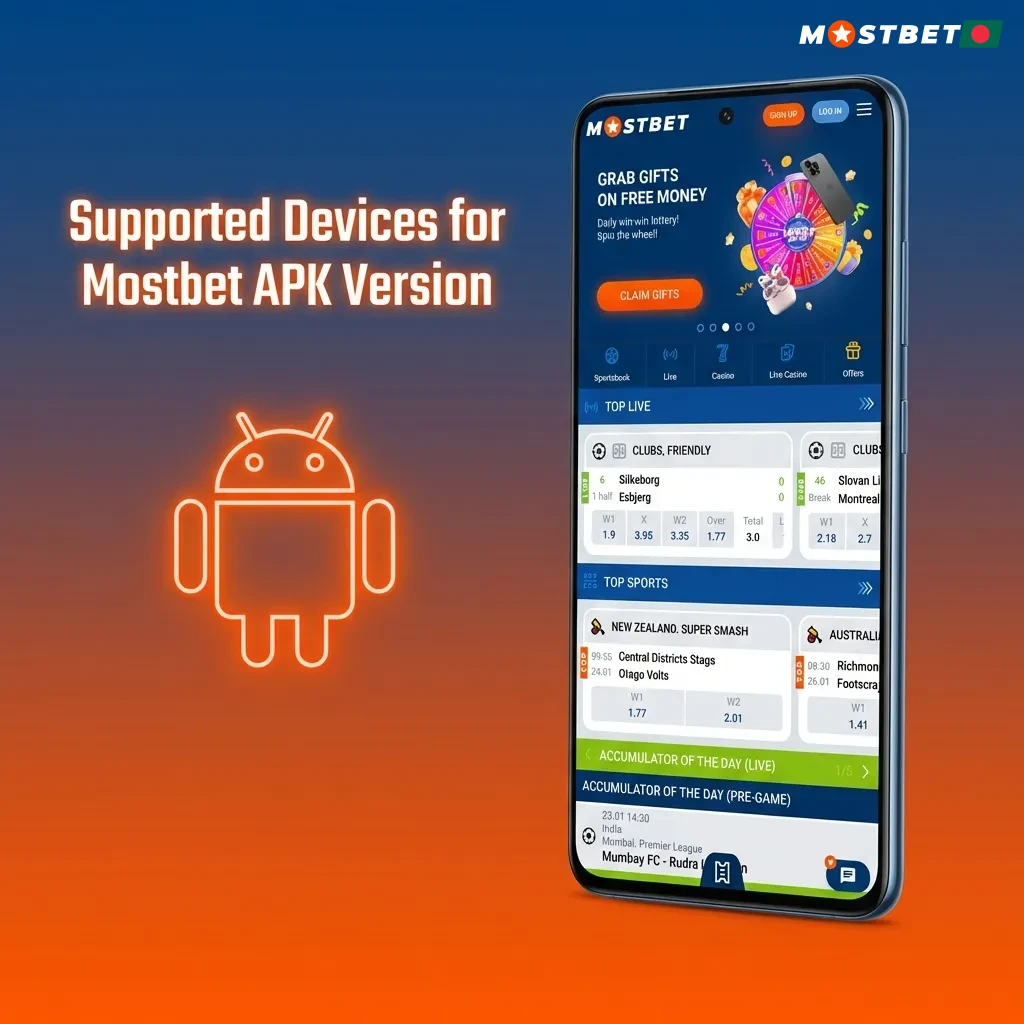
Supported Devices for Mostbet APK Version

The application works on most popular Android brands available in Bangladesh. Below is a list of compatible devices and models.

Brand Models
Samsung Galaxy A54, A34, S23, S22, M14, F14
Sony Xperia 10 V, Xperia 5 V, Xperia 1 V
Huawei Nova 11, P60, Mate 50
OnePlus 11R, Nord 3, Nord CE 3
Oppo Reno 10, A78, F23
Google Pixel 8, Pixel 7a, Pixel 7
Xiaomi Redmi Note 13, 13C, Poco X5
Poco X5 Pro, M5, F5
Table showing Mostbet APK compatibility with Android devices from Samsung, Sony, Huawei, OnePlus, Oppo, Google, Xiaomi, and Poco.

Download Mostbet App for iOS (PWA) in 5 Steps

iOS users can install the progressive web app version, which works like a native application. The process takes under three minutes.

Step 1

Click Download for iOS

Tap the iOS download button on this page to open the mobile site in Safari browser.

Step 2

Login or Sign Up

Enter your credentials or create a new account if you do not have one yet.

Step 3

Click Share

Tap the Share icon at the bottom of Safari to open the sharing menu.

Step 4

Select ‘Add to Home Screen’

Choose ‘Add to Home Screen’ from the menu, then tap the ‘Add’ button in the top right corner.

Step 5

Begin Exploring

Once added, the app icon appears on your home screen. Open it and log in to access all betting and casino features from your iPhone.

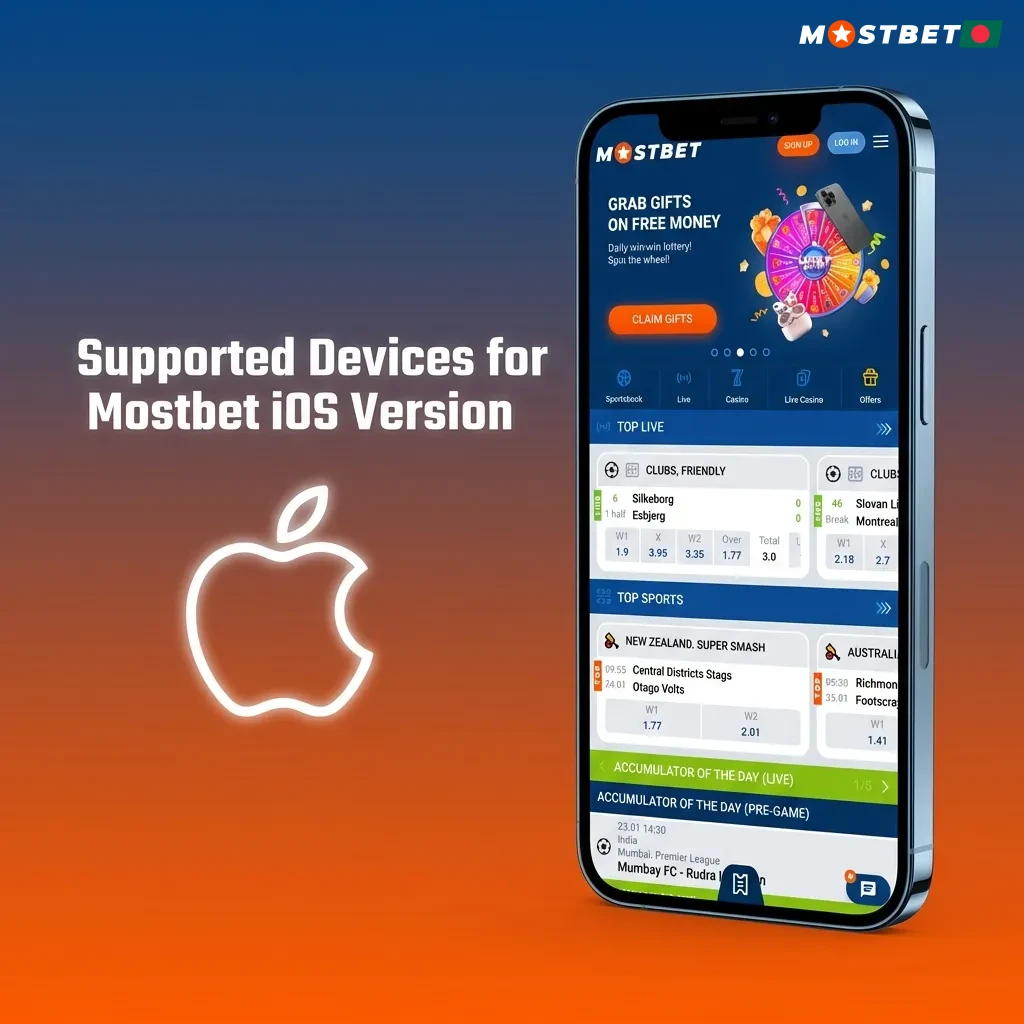
Supported Devices for Mostbet iOS Version

The PWA version runs on all modern iPhones and iPads. Check the compatible models below.

Brand Models
Apple iPhone 15, 14, 13, 12, 11, XS, XR, SE (2022), iPad Pro, iPad Air, iPad Mini
Mostbet iOS compatibility chart showing supported Apple devices including iPhone models 15-XS and iPad versions

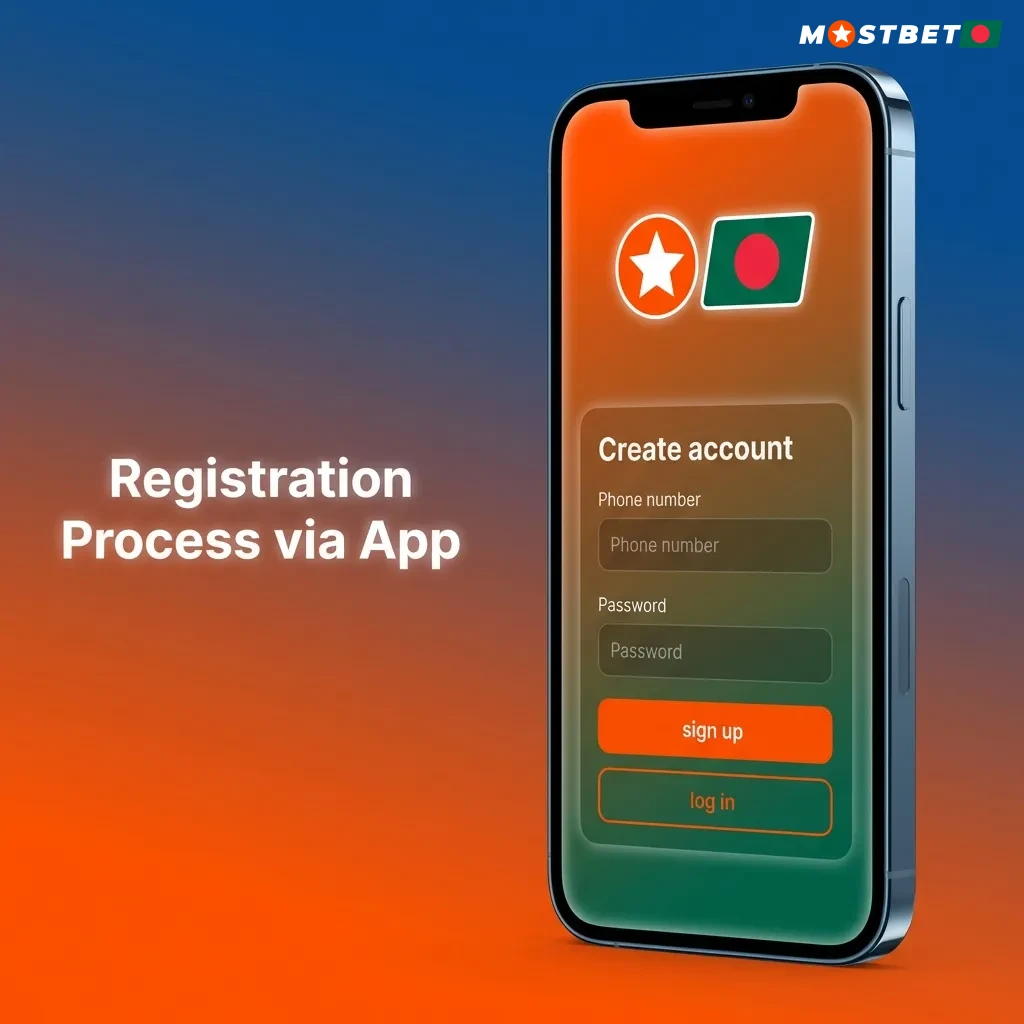
Registration Process via App

Creating an account through the mobile application is straightforward. Follow these steps:

  1. Open the app and tap the green ‘Register‘ button on the home screen.
  2. Select your preferred registration method: phone number, email, or social media account.
  3. Enter your phone number or email address, choose BDT as your currency, and create a strong password.
  4. Enter the promo code if you have one to activate the welcome bonus.
  5. Tap ‘Register’ to complete the process and receive a confirmation message.

Your account is now active. Verify your phone number or email to enable deposits and withdrawals.

Register Mostbet
Step-by-step mobile app registration screen showing green Register button and account creation options

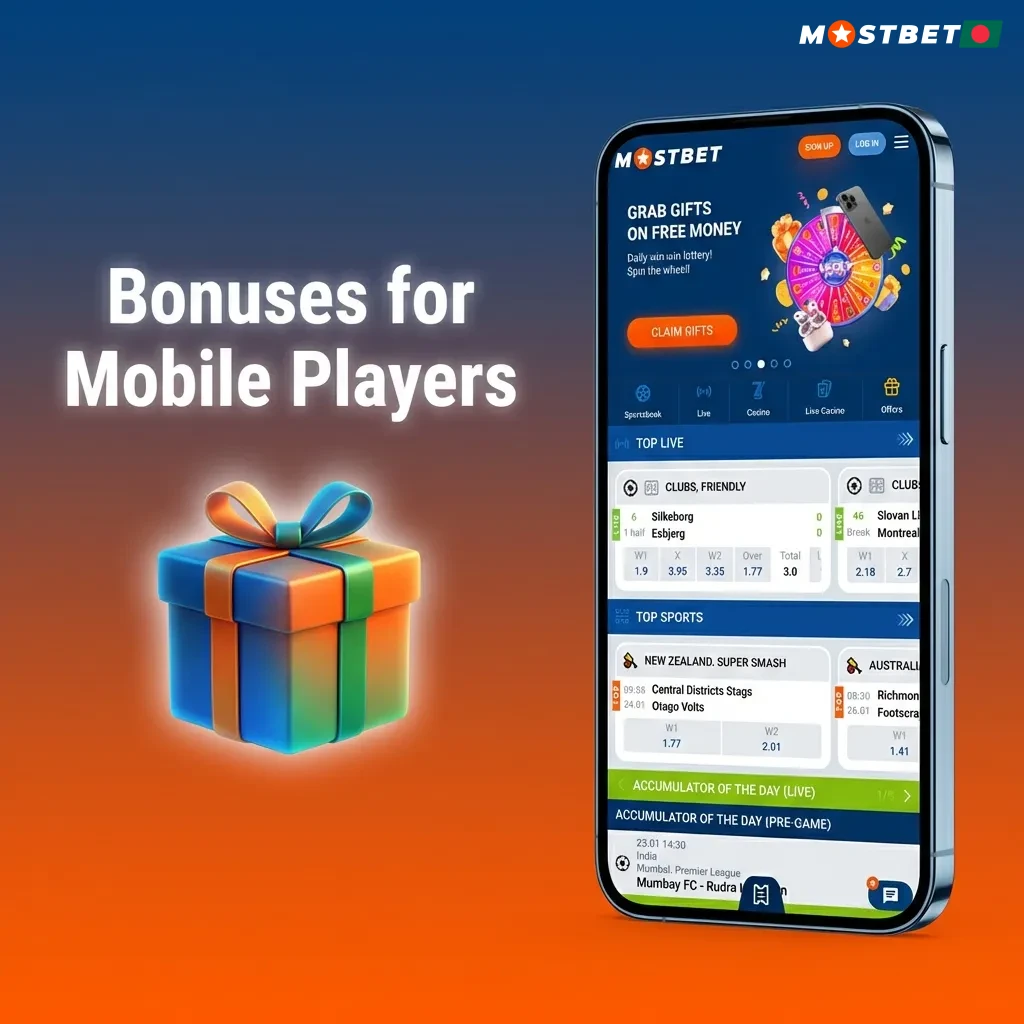
Bonuses for Mobile Players

Mobile users receive the same promotional offers available on the desktop site. The welcome bonus applies to your first deposit, while ongoing promotions reward regular activity. Casino players can claim free spins on slots from Pragmatic Play and NetEnt. Sports bettors get enhanced odds on cricket and football matches.

Welcome Bonus

  • Type: First Deposit Bonus;
  • Amount: 125% up to 25,000 BDT + 250 Free Spins;
  • Terms and Conditions: Minimum deposit 100 BDT, 5x rollover requirement on sports bets with odds 1.40 or higher, 60x wagering on casino bonus and free spins;
  • Validity Period: 30 days from activation;
  • Eligible Games: All sports markets, slots from Pragmatic Play, NetEnt, and Play’n GO.

Free Bet

  • Type: Weekly Cashback;
  • Amount: Up to 10% of losses returned as free bets;
  • Terms and Conditions: Minimum 5 bets placed during the week, free bet credited every Monday;
  • Validity Period: 7 days from receipt;
  • Eligible Games: All sports betting markets.
Mobile casino and sports betting bonuses including welcome offer, free spins, and weekly cashback promotions.

How to Update Mostbet App to the Latest Version?

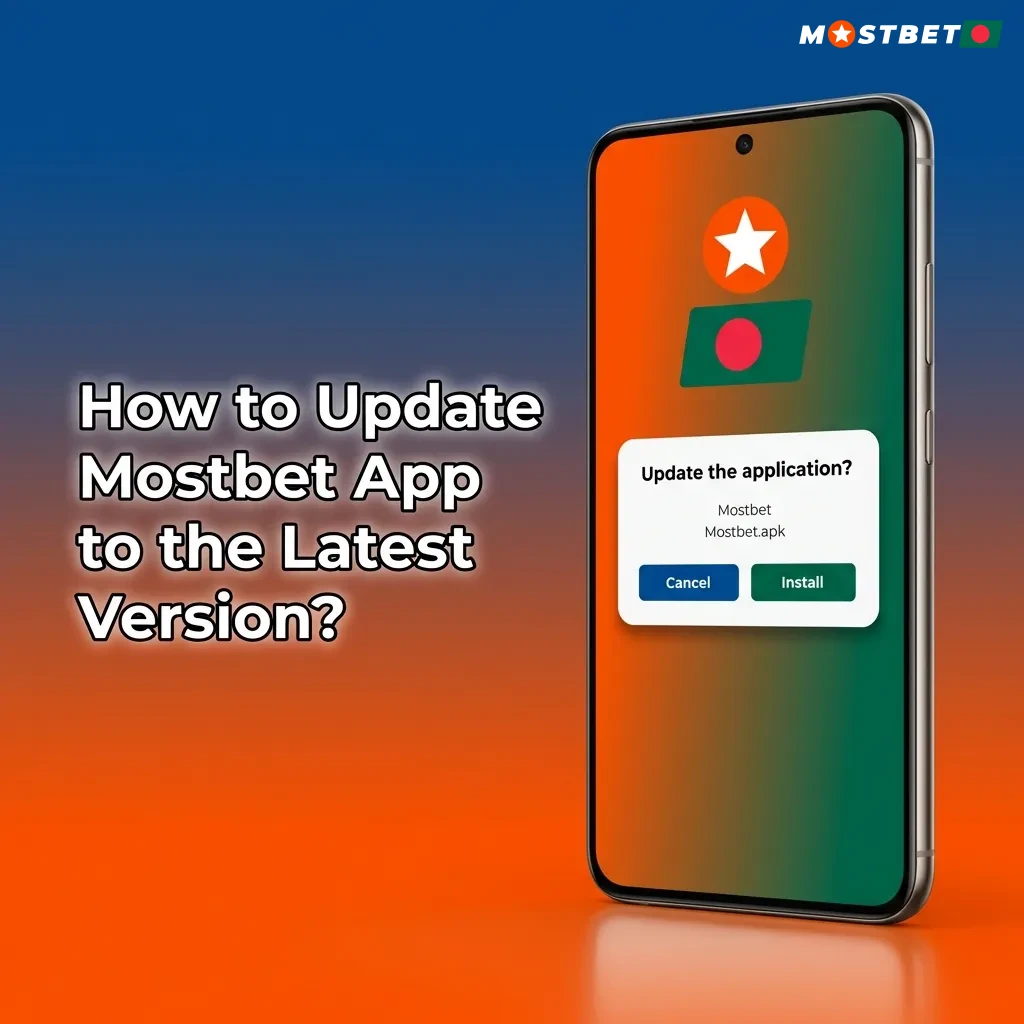
Updating the application ensures you have the latest features and security patches. For Android, open the app and check for updates in the settings menu. If an update is available, tap ‘Download Update’ and the new version will install automatically. The process takes less than one minute. For iOS PWA users, updates apply automatically when you refresh the page. Simply close and reopen the app to load the latest version. You do not need to reinstall the shortcut.

Smartphone screen showing Mostbet app update notification with download button and progress indicator

Importance of Updating Mostbet App

Regular updates improve app performance and fix bugs that may affect betting or withdrawals. New versions often add payment methods, expand betting markets, and enhance live streaming quality. Security updates protect your account from vulnerabilities. Updated apps load faster, consume less battery, and reduce crashes during high-traffic events like IPL matches. The platform also adds new casino games and features through updates. Missing an update may limit access to certain promotions or markets. Keeping the app current ensures you get the full betting experience.

Updated Mostbet app on smartphone showing improved performance, security features, and new betting options

How to Place a Bet?

Placing a bet takes just a few taps. Open the app and choose your betting type.

Step 1

Step 1

Tap the ‘Sports’ tab at the bottom to view all available markets.

Step 2

Step 2

Select your sport (cricket, football, kabaddi) and choose a match from the list.

Step 3

Step 3

Tap the odds for your preferred outcome to add it to your bet slip.

Step 4

Step 4

Enter your stake amount and confirm the bet to place it.

Your bet appears in the ‘My Bets’ section where you can track its status.

How to Delete Mostbet App?

Removing the application from your device is simple. On Android, press and hold the app icon on your home screen, then drag it to ‘Uninstall’ or tap ‘App Info’ and select ‘Uninstall’. On iOS, press and hold the shortcut, then tap ‘Remove from Home Screen’. Your account remains active even after deleting the app, and you can reinstall it at any time.

Step-by-step guide showing how to uninstall the Mostbet app from Android and iOS devices with app icon removal process

How to Login via Mostbet App?

The app makes the login process quick and easy. Follow these steps:

Step 1

Step 1

Open the application on your device.

Step 2

Step 2

Tap the ‘Log In’ button on the main screen.

Step 3

Step 3

Enter your registered phone number or email address.

Step 4

Step 4

Type your password in the password field.

Step 5

Step 5

Tap ‘Log In’ to access your account.

If you forget your password, use the ‘Forgot Password’ link to reset it via SMS or email.

Mostbet App Features

Mostbet packs a complete betting and casino experience into a mobile format. You get access to live odds, instant deposits, and hundreds of games. The interface adapts to your screen size for easy navigation. Push notifications keep you updated on bet results and promotions. Below is a breakdown of key features.

Live Betting Features

Live betting covers cricket, football, tennis, and kabaddi with real-time odds updates. The platform supports in-play markets for major tournaments like IPL, BPL, and Premier League. Latency stays under two seconds, allowing you to place bets before odds shift. The live betting interface displays match statistics, current scores, and available markets in a single view. Live streaming is available for selected matches, letting you watch and bet simultaneously. The cash-out feature lets you close bets early to secure profits or minimise losses.

Casino Games Features

The casino section includes over 3,000 slots, table games, and live dealer options. Games load in under three seconds on 4G connections. Slots from Pragmatic Play, NetEnt, and Play’n GO dominate the selection, including Book of Dead, Gates of Olympus, and Sweet Bonanza. Live casino tables feature real dealers streaming from professional studios. You can play blackjack, roulette, and baccarat with betting limits from 10 BDT to 100,000 BDT per hand. Game providers include Evolution Gaming, Ezugi, and Vivo Gaming.

Deposit Features

Deposits process instantly through local payment methods. The minimum deposit is 100 BDT, making it accessible for casual players. Transaction security uses SSL encryption to protect your banking details. Below are the available options.

Payment Method Minimum Maximum Processing Time
bKash 100 BDT 100,000 BDT Instant
Nagad 100 BDT 100,000 BDT Instant
Rocket 100 BDT 100,000 BDT Instant
UPI 300 BDT 100,000 BDT Instant
Bank Transfer 500 BDT 500,000 BDT 1-24 hours

Withdrawal Features

Withdrawals process within 24 hours after verification. You can request payouts to the same method used for deposits. The minimum withdrawal is 500 BDT. The platform uses SSL encryption and manual verification to secure transactions. Below are the withdrawal options.

Payment Method Minimum Maximum Processing Time
bKash 500 BDT 50,000 BDT 1-24 hours
Nagad 500 BDT 50,000 BDT 1-24 hours
Rocket 500 BDT 50,000 BDT 1-24 hours
UPI 1,000 BDT 50,000 BDT 1-24 hours
Bank Transfer 1,000 BDT 500,000 BDT 2-5 business days

User Profile Features

Your profile section displays your current balance, active bets, and transaction history. You can update personal details like phone number, email, and password from the account settings. The transaction history shows all deposits, withdrawals, and bet settlements with timestamps. Bonus balances appear separately from real money, letting you track wagering progress. The platform also stores your betting preferences and favourite markets for quick access.

Notification Features

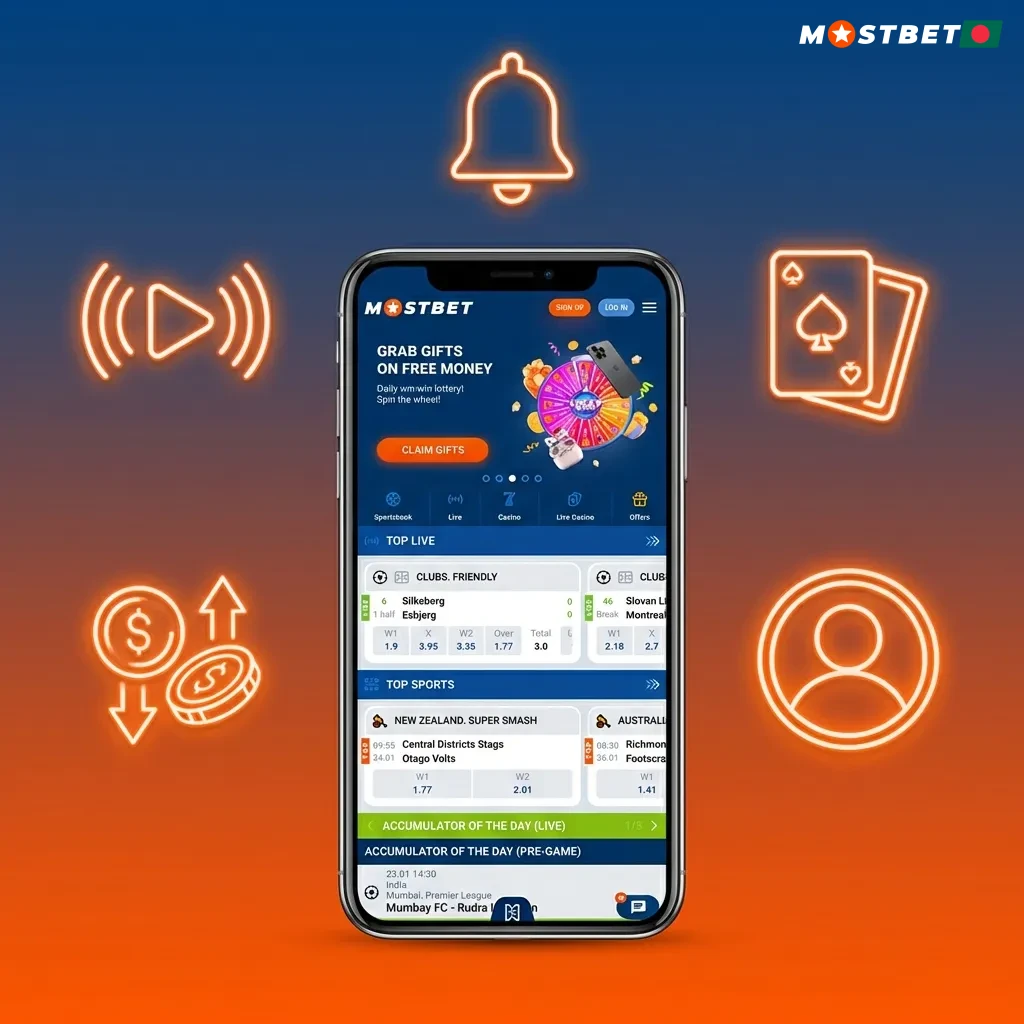
Push notifications alert you about bet results, deposit confirmations, and promotional offers. You can customise notification types in the app settings to receive only relevant updates. Notifications arrive reliably, even when the app is closed. The system sends alerts for live match updates, odds changes, and bonus expiry reminders. You can disable notifications entirely or choose specific categories like sports results or casino promotions.

Mostbet app interface showing live betting, casino games, deposit options, and notification features on mobile screen

Mostbet App Security Protocols

The platform uses multiple security layers to protect your account and funds. All data transmission occurs through 256-bit SSL encryption, the same standard used by banks. Your password undergoes hashing before storage, preventing unauthorised access even in case of a data breach. Login security includes device fingerprinting and IP address monitoring to detect suspicious activity. Payment security relies on PCI DSS compliance, ensuring your card and banking details never reach third parties. Two-factor authentication adds an extra verification step during login, requiring a code sent to your phone. The platform logs all account activity, letting you review login attempts and transactions from the security settings. Regular security audits by independent firms verify the integrity of the system.

Mostbet App Device Permissions

The application requests specific permissions to function properly on your device. Storage access allows the app to save login credentials and cache game data for faster loading. Network permissions enable internet connectivity for placing bets and accessing live odds. Location services help verify your presence in a supported region, ensuring compliance with local regulations. Notification permissions let the app send alerts about bet results and promotions. Camera access is required only if you choose to verify your identity by uploading documents directly from the app. The application does not access your contacts, microphone, or other unrelated data. You can review and modify permissions at any time from your device settings.

FAQ

Is the app legal to use in Bangladesh?

The platform operates under a Curaçao eGaming licence. While online betting laws in Bangladesh remain unclear, thousands of users access the service without issues.

Can I use the same account on both mobile and desktop?

Your account works across all platforms. Log in with the same credentials on mobile, desktop, or tablet to access your balance and betting history.

Does the app support Bangla language?

The interface includes Bengali language support. Switch to Bangla from the settings menu for navigation and game descriptions.

What happens if I lose internet connection during a bet?

Bets placed before disconnection remain valid. Check your betting history once connection restores to confirm the status.

Can I deposit using mobile banking?

You can deposit through bKash, Nagad, and Rocket. Transactions process instantly with no additional fees.

How long does account verification take?

Verification completes within 24 hours after submitting your documents. Upload a clear photo of your ID and proof of address from the profile section.

Are there any fees for withdrawals?

The platform does not charge withdrawal fees. Your payment provider may apply their own charges depending on the method.

Can I contact Mostbet via the app?

Yes, you can contact the Mostbet support team via the live chat on the app.

Can I use the app on multiple devices?

You can install and log in on multiple devices. Only one session stays active at a time for security purposes.

Updated: